Color
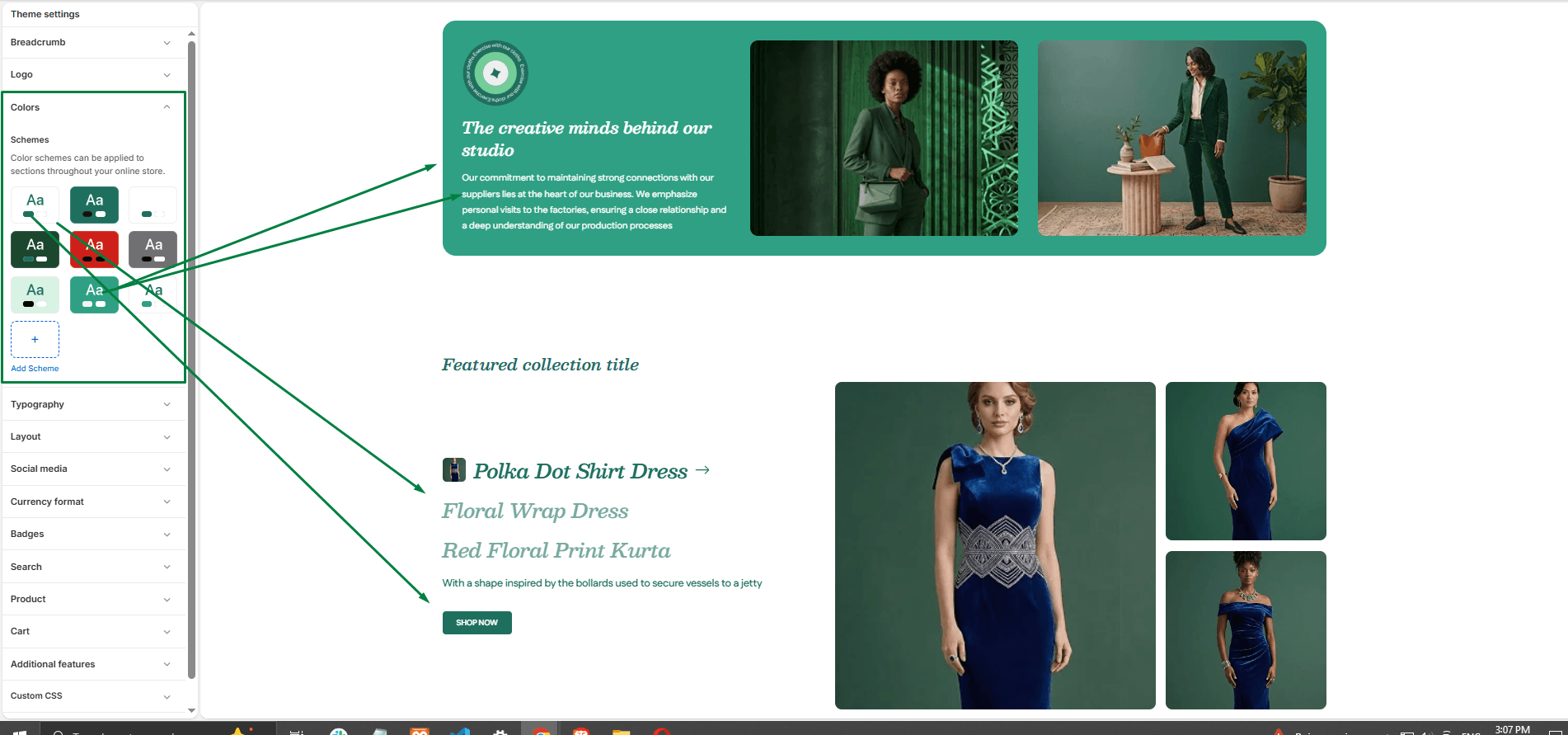
Open the theme editor and click on Theme settings > Colors options. Here you can adjust the specific colors applied to different elements. For example, you can adjust the colors applied to the Scheme 1 color scheme’s text and background.
Color schemes
You can create different sets of colors called color schemes. The Avelara theme provides 6 default color schemes and supports up to 21 color schemes for your store. (For more details, refer to Shopify help: Color schemes).