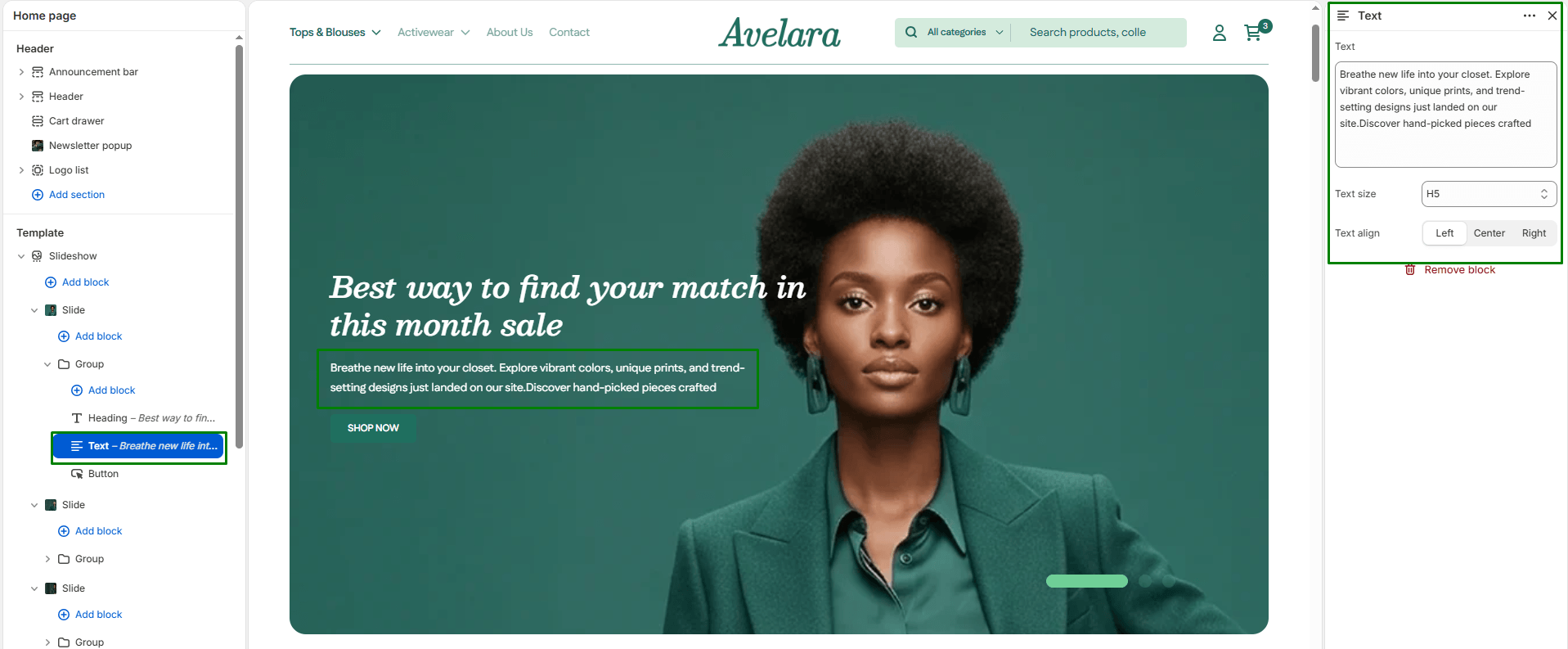
The Text block allows you to add a short description or supporting paragraph beneath your main heading. It’s ideal for adding context, product highlights, or marketing messages that complement your primary title.
Block settings
-
- Text: The main content area for your description. You can enter plain text or a short promotional line.
- Text size: Controls the visual size of your description text to establish hierarchy. Options include:
H1 - H6: Select the appropriate heading size tag to scale the text larger or smaller depending on its importance.
- Text align: Determines the horizontal alignment of your text within the block. Options include:
Left,Center(default), orRight.