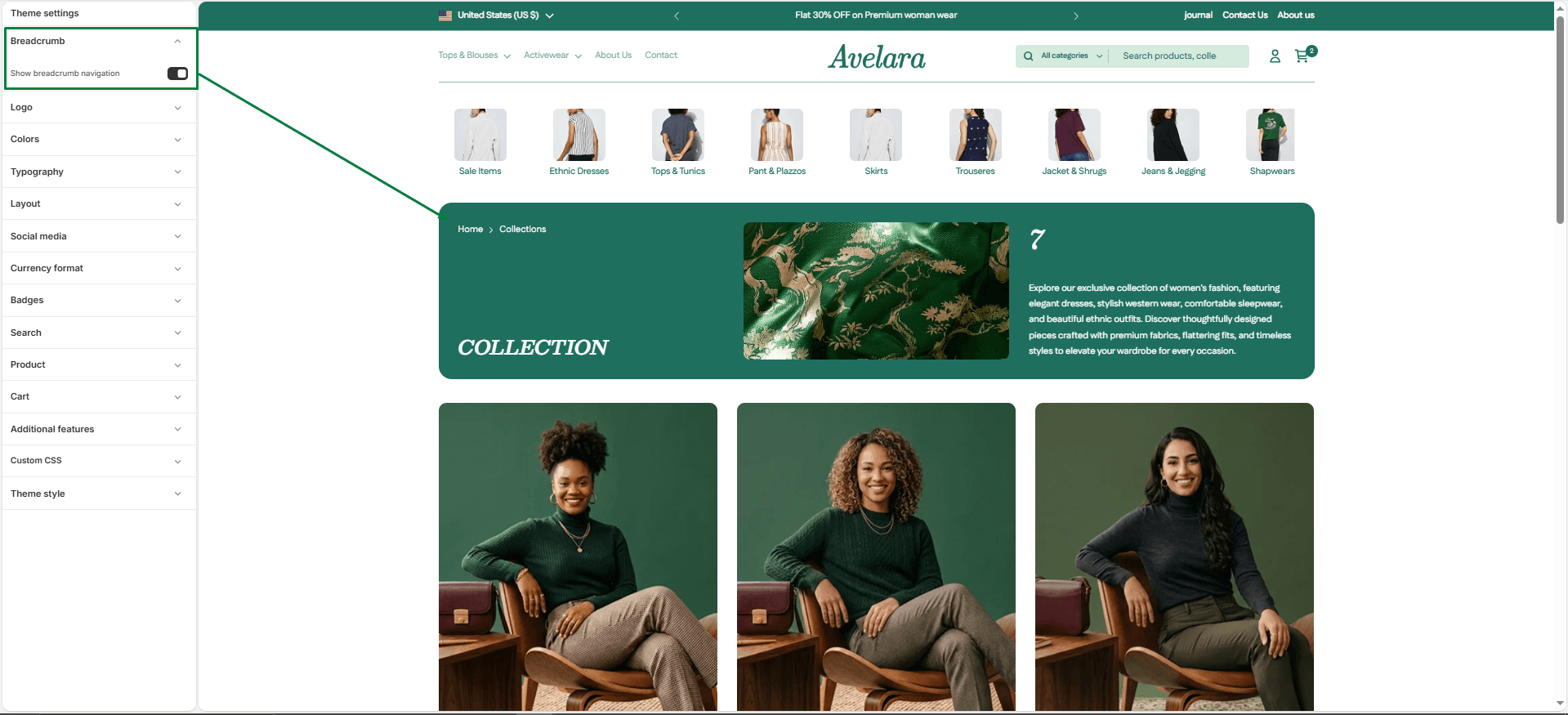
The Breadcrumbs component helps customers easily navigate your store by showing their current page’s position within the site hierarchy (e.g., Home > Collections > Product). It improves usability, SEO, and the overall shopping experience by allowing users to backtrack to parent pages quickly.
How to use Breadcrumbs:
-
- Theme Settings: You can find global styling options for breadcrumbs under Theme settings > Breadcrumbs.
- Page-Specific Use: Breadcrumbs can be added as a block to various templates. They are highly recommended for use on the Product page, Blog page, Cart, and Collection list pages to help users keep track of where they are in your store.