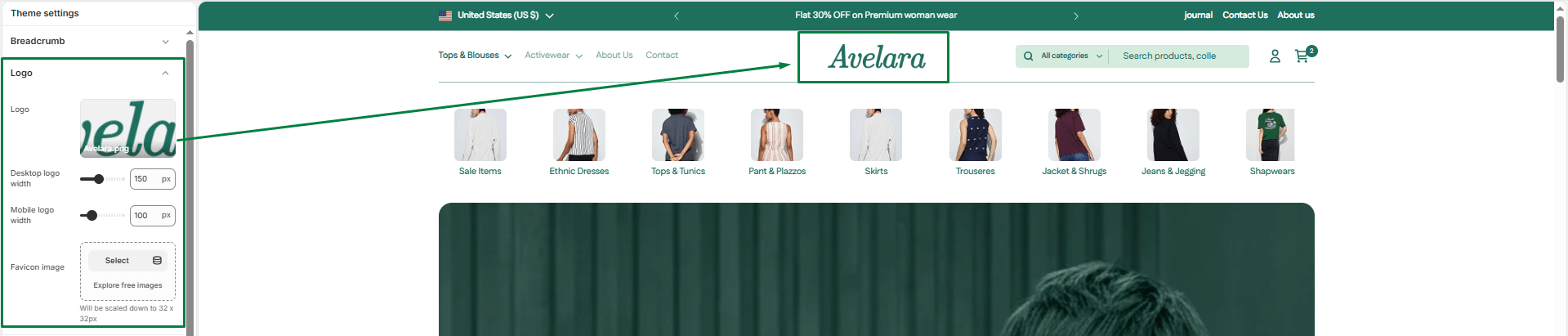
Theme settings allow you to make global changes to the look and feel of your store. You can access these by clicking on the Theme settings gear icon (⚙️) in the left sidebar of the Shopify Theme Editor.
Logo
This section describes the Theme settings > Logo options.
-
- Desktop logo width: Adjust the desktop logo slider to set the perfect size for your logo image when viewed on larger screens.
- Mobile logo width: Adjust the mobile logo slider to set the logo size specifically for mobile devices, ensuring it looks crisp and well-proportioned on smaller screens.
- Favicon: A favicon is the small icon that appears in the browser tab next to your store’s title. You can upload your custom favicon image here under the Theme settings > Favicon options.