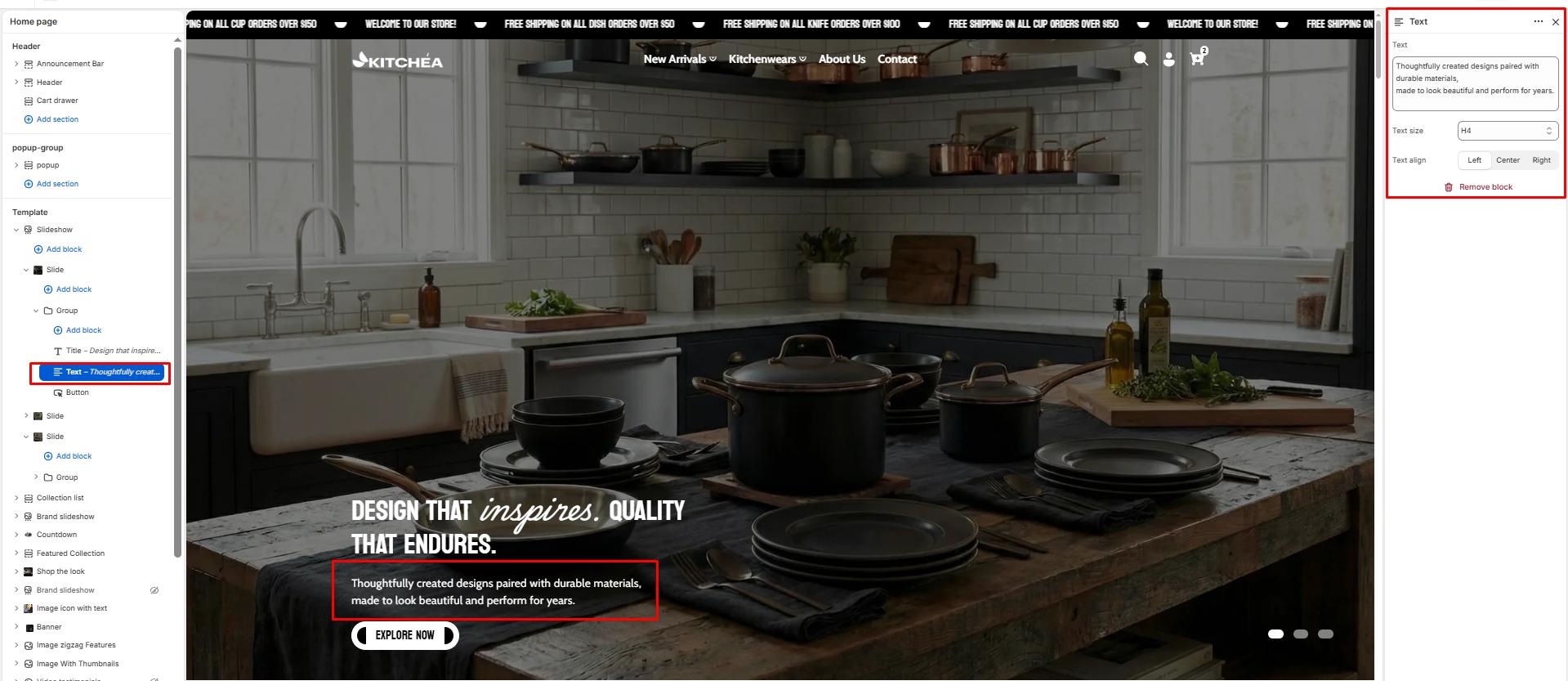
Text
The Text block allows you to add a short description or supporting paragraph beneath the slide title. It’s ideal for adding context, product highlights, or marketing messages that complement the main heading.
Text size
Controls the visual size of your description text. Available options typically include:(e.g., H1, H2, H3, H4, H5, H6).
Text align
Determines the horizontal alignment of your text within the slide. Options:
-
- Left — Aligns text to the left.
- Center — Centers text (default).
- Right — Aligns text to the right.