Quote Carousel
The Quote Carousel section displays a rotating slideshow of customer quotes or brand statements in a styled card layout. It is ideal for showcasing customer reviews about your kitchen products, brand philosophy statements, or testimonials from home chefs and cooking enthusiasts who love Kitchea products.
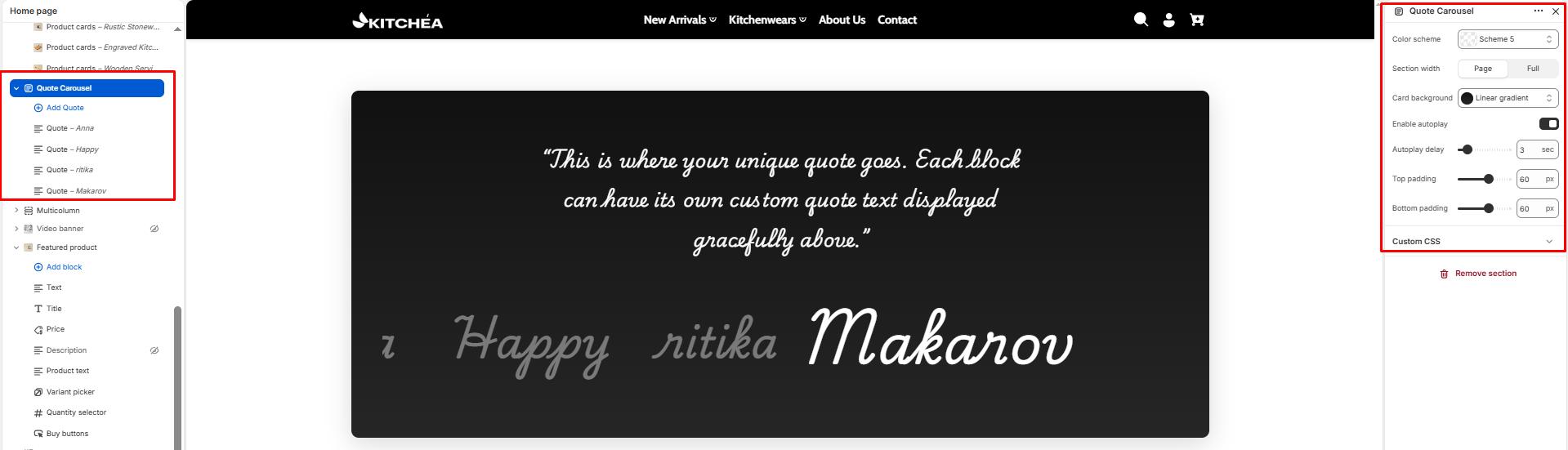
Color scheme
Select the color scheme from your theme’s available options to match your brand style.
Section width
-
- Page – aligns with the site’s content width.
- Full – stretches across the full viewport width.
Card Background
Color Choose a custom background color or gradient for the quote card. You can set a solid color or a gradient to match your Kitchea brand style.
Enable Autoplay
Toggle ON to automatically cycle through quotes without any user interaction.
Autoplay Delay
Set how many seconds each quote is displayed before advancing to the next. Range from 2 to 10 seconds.
Top padding
Adds space above the section (in pixels).
Bottom padding
Adds space below the section (in pixels).
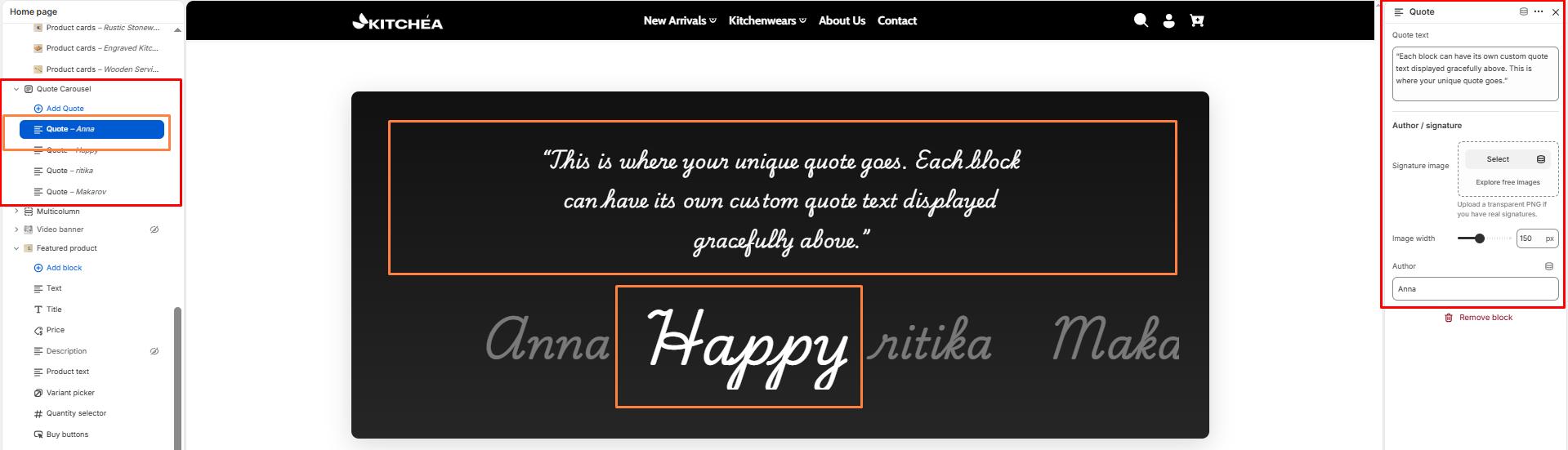
Block Settings – Quote
Each block adds one quote slide to the carousel.
Quote Text
Enter the customer review or brand statement to display in this slide. Example: “The best cookware I have ever used. Kitchea products have completely transformed my kitchen experience.”
Author Image
Upload an image to represent the quote author. This can be a customer photo, a brand logo, or a product image. Recommended size is clearly visible at small dimensions.
Image Width
Set the display width of the author image in pixels. Minimum 50px, maximum 300px.
Author Name
Enter the name of the person or brand being quoted. This is displayed below the quote when no image is uploaded. Example: Sarah K., Home Chef, Food Blogger.