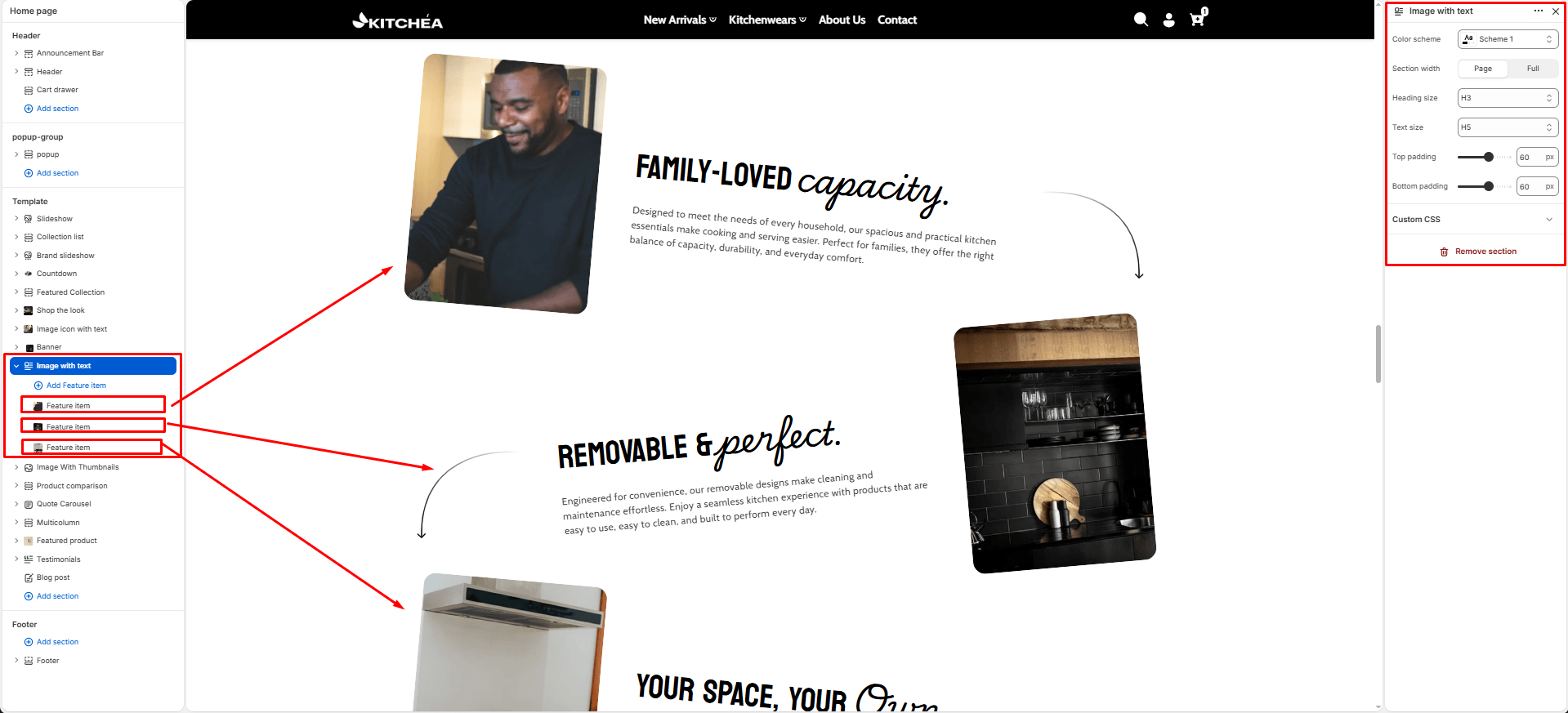
Image With Text
The Image With Text section displays a series of image and text pairs in an alternating left-right layout. Each item automatically switches sides, creating a visually engaging zigzag pattern ideal for highlighting key features and benefits of your kitchen products like cookware capacity, material quality, and design details.
Color scheme
Select the color scheme from your theme’s available options to match your brand style.
Section width
-
- Page – aligns with the site’s content width.
- Full – stretches across the full viewport width.
Heading Size
Adjusts the size of the heading text for all feature blocks in dropdown (H1 to H6).
Text Size
Text Size Adjusts the size of the description text for all feature blocks in dropdown (H1 to H6).
Top padding
Adds space above the section (in pixels).
Bottom padding
Adds space below the section (in pixels).
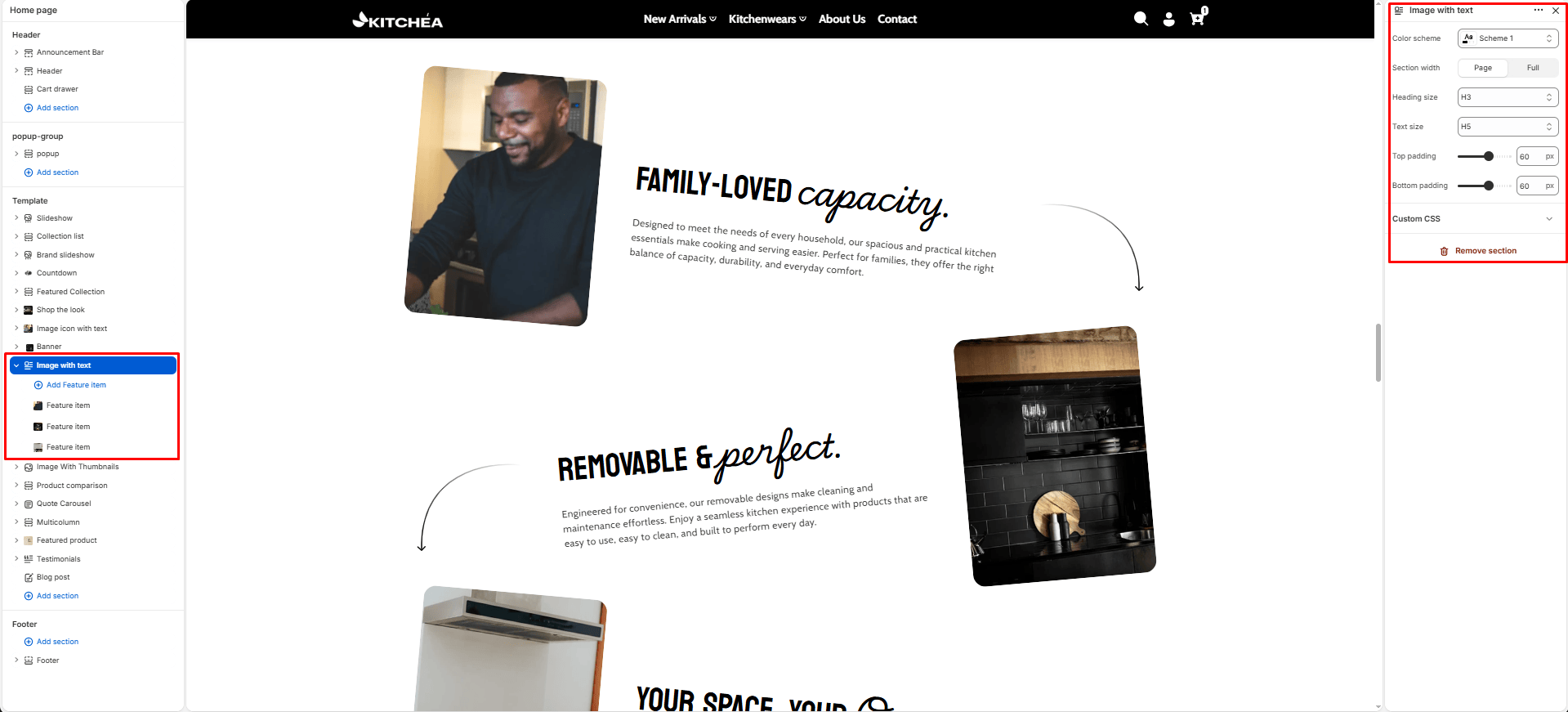
Theme blocks – Feature item
Each block represents one zigzag feature item with an image on one side and content on the other. Blocks automatically alternate between left and right layout.
Heading
The heading text displayed on the storefront.
Subheading – Highlight Word
This word will be visually highlighted using the Subheading font style, adding a decorative touch to your blog section title.
Image
-
- Description: This is where you upload or select the image you want to display in the block.
- Usage: Click on the Image area to upload a new image or select one from your Shopify files.
Text
The Text block allows you to add a short description or supporting paragraph beneath the slide title. It’s ideal for adding context, product highlights, or marketing messages that complement the main heading.