Text Video Mask
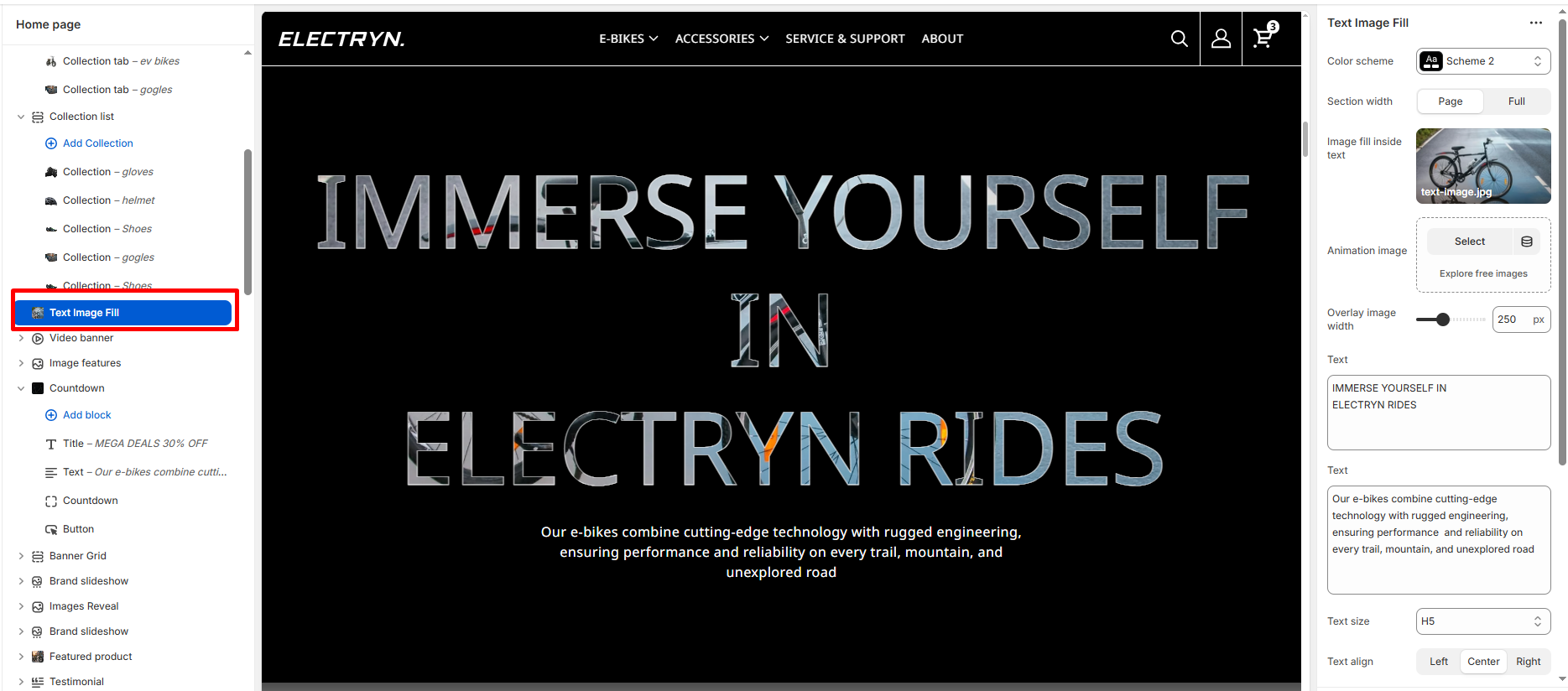
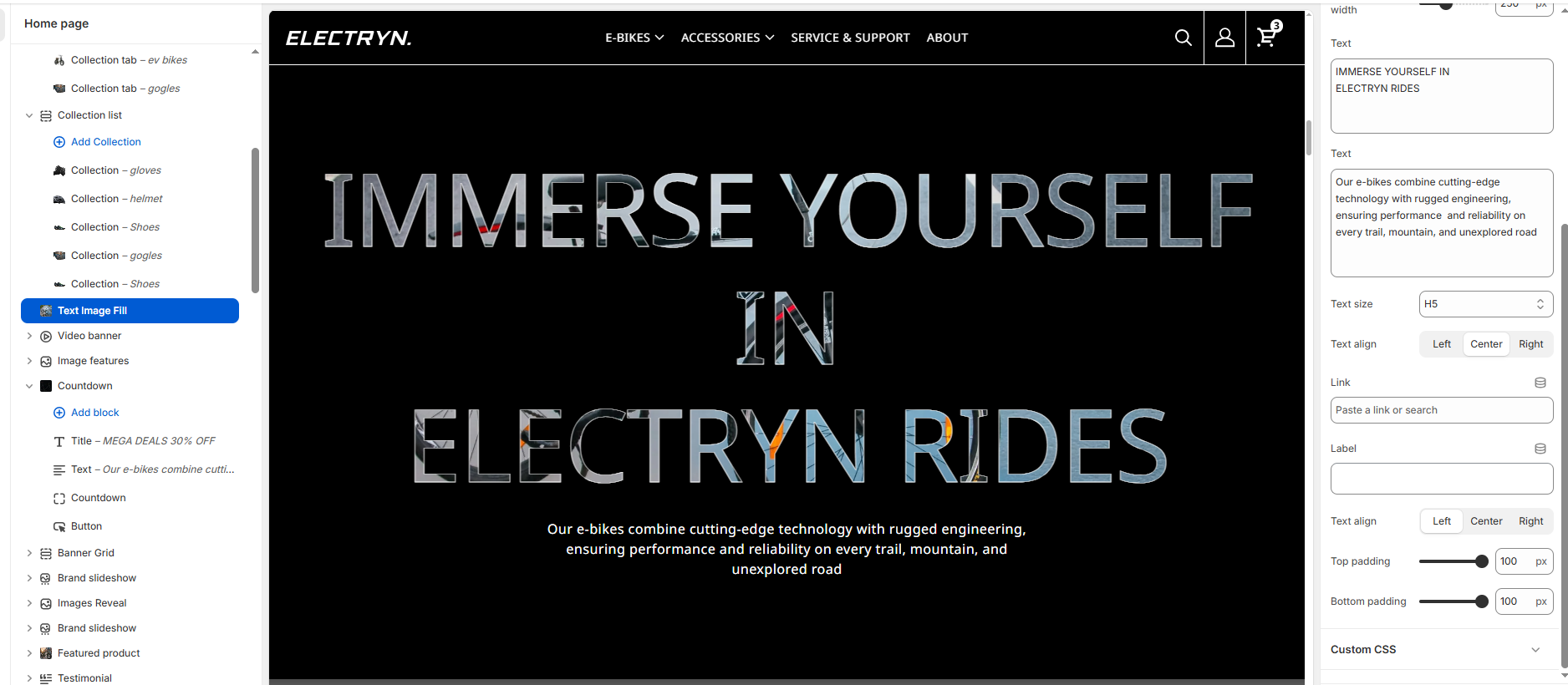
A Text video mask section combines text overlaid on background videos to create visually engaging hero banners or promotional sections. This section is ideal for showcasing products, collections, or key messages with impactful video content. The video appears as a fill inside the text characters, creating a modern and eye-catching visual effect that captures visitor attention.
Color scheme
Select the color scheme from your theme’s available options to match your brand style.
Section width
-
- Page – aligns with the site’s content width.
- Full – stretches across the full viewport width.
Image fill inside text
Upload or select an image that will be displayed as a fill inside the text characters. This creates the distinctive text-with-image-fill effect.
Animation image
Upload or select an image to be used for animation effects within the section.
Overlay image width
Adjust the width of the overlay image using the slider control. Values are set in pixels (px).
Title
Enter text to display as a heading.
Text
Adjust the width of the overlay image using the slider control. Values are set in pixels (px).
Text Size
Allows choosing Text hierarchy (e.g., H1 To H6).
Text Align
-
- Left: Aligns all text to the left.
- Center: Centers the text horizontally.
- Right: Aligns all text to the right.
Button link
Paste a link or search for a page/product to link the button to.
Button label
Enter the button text that will be displayed (e.g., “view the range”).
Top padding
Adds space above the section (in pixels).
Bottom padding
Adds space below the section (in pixels).