Product Specification
A Product Specification section displays comparative progress bars to visualize and compare different product specifications, performance metrics, or features. This section is ideal for showcasing range comparisons, performance data, or any metric-based product information with an eye-catching animated progress bar design. Each bar includes customizable labels, icons, and percentage values.
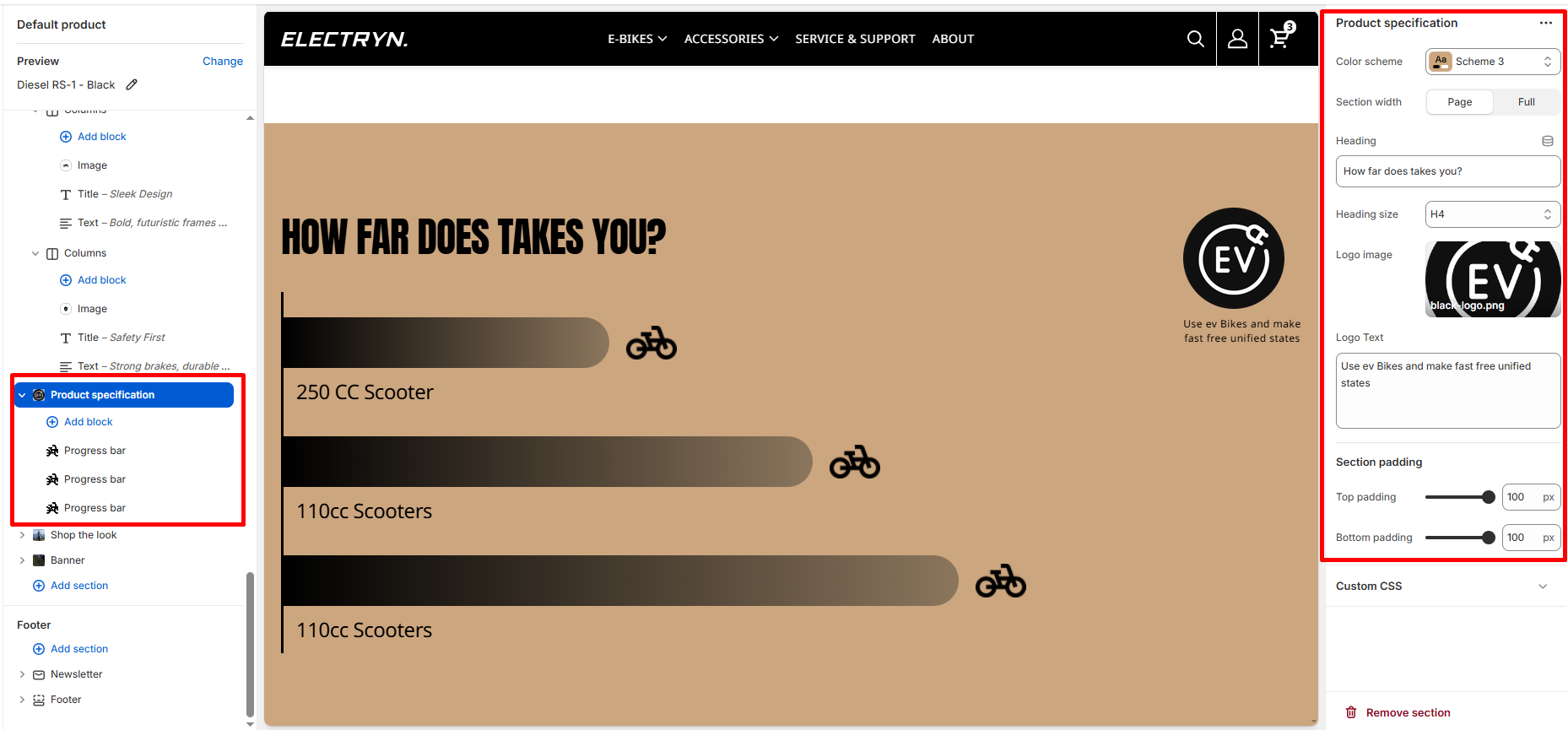
Color scheme
Select the color scheme from your theme’s available options to match your brand style.
Heading
Enter text to display as a heading.
Heading Size
Adjusts the size of the heading in dropdown (H1 to H6).
Logo image
Upload or select a logo image to display in the header area.
Logo Text
Enter descriptive text that appears below the logo image. Supports textarea for multiple lines.
Top padding
Adds space above the section (in pixels).
Bottom padding
Adds space below the section (in pixels).
Theme blocks – Progress Bar
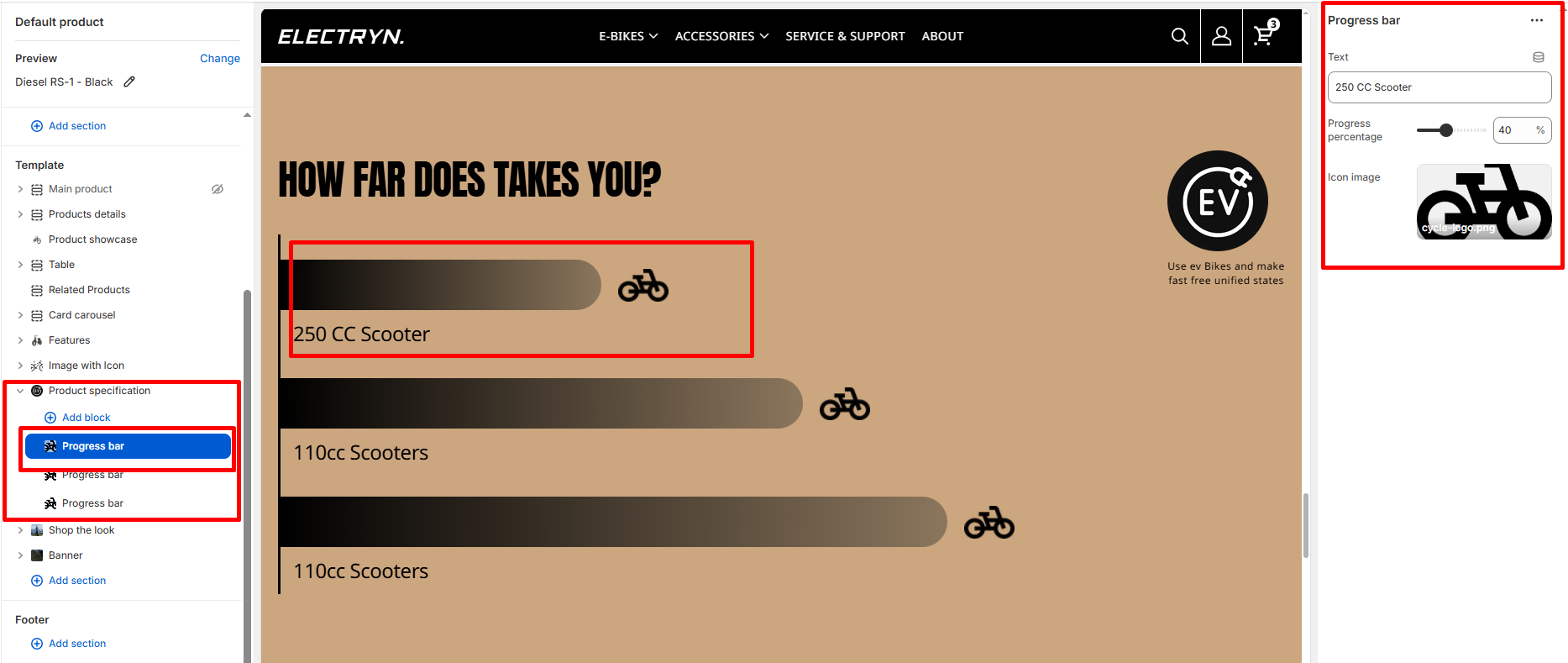
Add multiple progress bar blocks to create comparison visualizations. Each progress bar block includes:
Text
Enter the label text for the progress bar.
Progress percentage
Set the progress value using a slider control. Range: 0-100%, step: 1%. Default value is 50%. This determines how far the progress bar fills.
Icon image
Upload or select an icon image to display at the end of the progress bar (e.g., motorcycle/scooter icon). The icon visually represents the item being measured.
Animation
Progress bars automatically animate when they come into view using intersection observer technology, creating an engaging visual experience for visitors.