Product Features Column
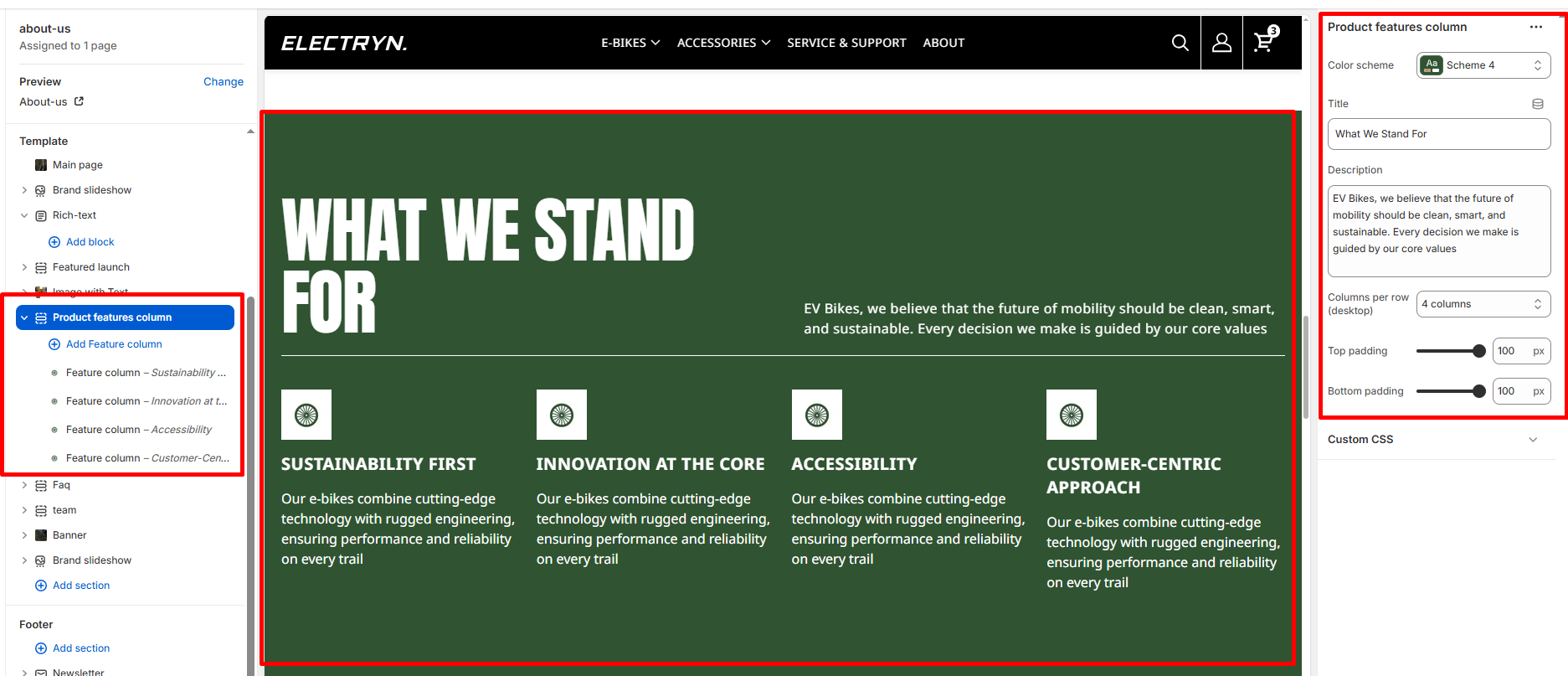
A Product Features Column section displays product features or company values in a multi-column grid layout with icons, titles, and descriptions. This section is ideal for highlighting key features, core values, benefits, or unique selling points in an organized and visually appealing manner. Each feature is presented with an icon and descriptive text to effectively communicate important information to visitors.
Color scheme
Select the color scheme from your theme’s available options to match your brand style.
Title
Enter text to display as a Title.
Description
Add detailed descriptive text that appears below the title using a textarea field.
Columns per row (desktop)
Select the number of feature columns to display per row on desktop devices. Options include:
-
- 2 columns
- 3 columns
- 4 columns (default)
- 5 columns
- 6 columns
Top padding
Adds space above the section (in pixels).
Bottom padding
Adds space below the section (in pixels).
Blocks – Feature Column
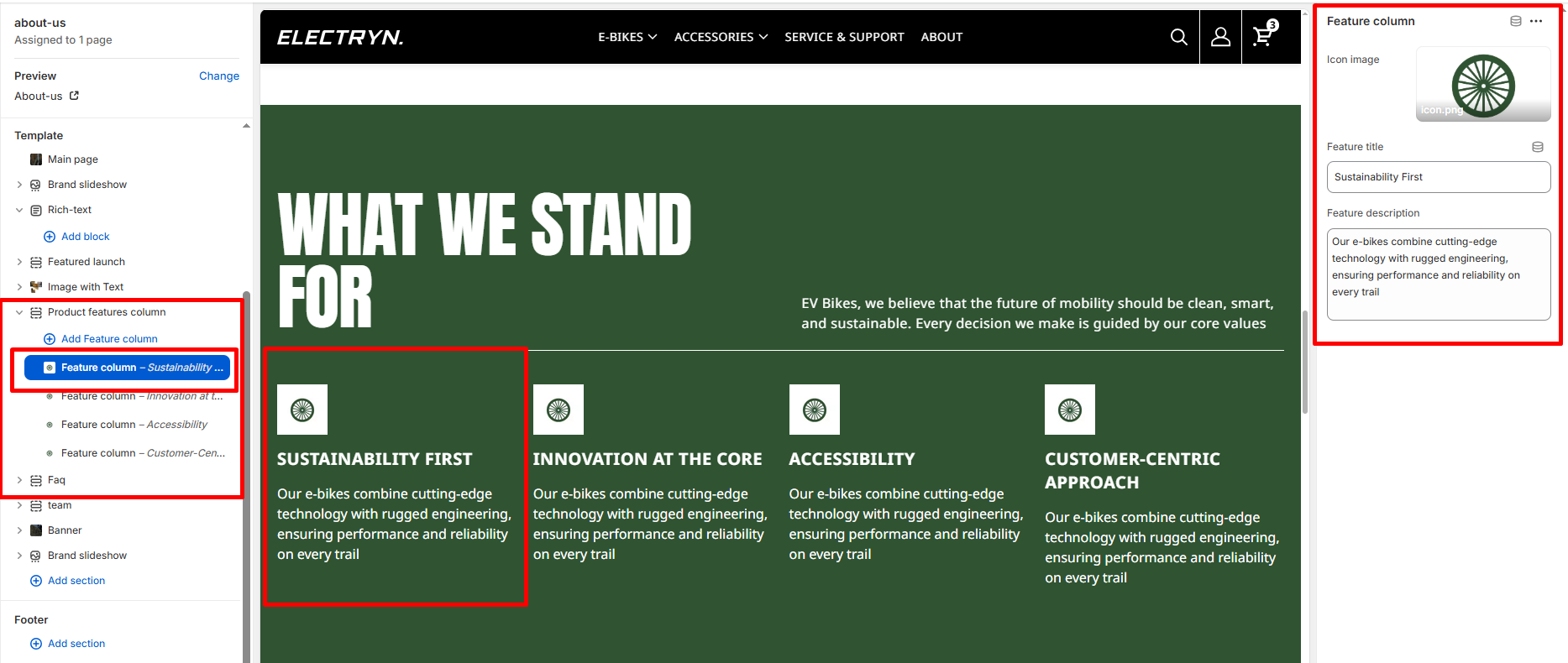
Add multiple feature column blocks to create a grid of features.
Icon image
Upload or select an icon image to represent the feature.
Feature title
Enter the title or heading for the feature.
Feature description
Add descriptive text explaining the feature using a textarea field.