Feature
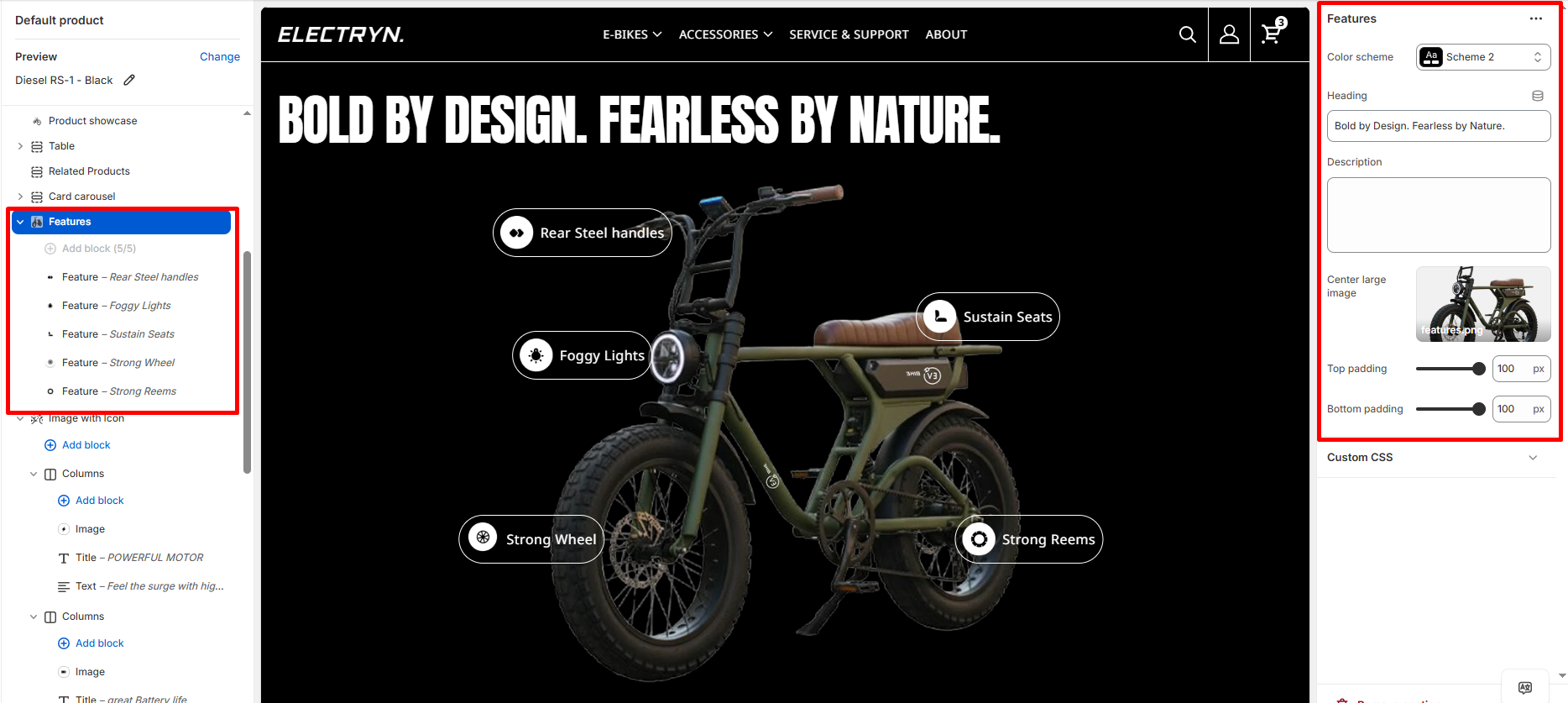
The Features section displays an interactive image with clickable hotspot markers that highlight specific features or details.
Color scheme
Select the color scheme from your theme’s available options to match your brand style.
Heading
Enter text to display as a heading.
Description
Add a description or subtext below the heading.
Center large image
Upload the main image on which feature markers will be positioned.
Top padding
Adds space above the section (in pixels).
Bottom padding
Adds space below the section (in pixels).
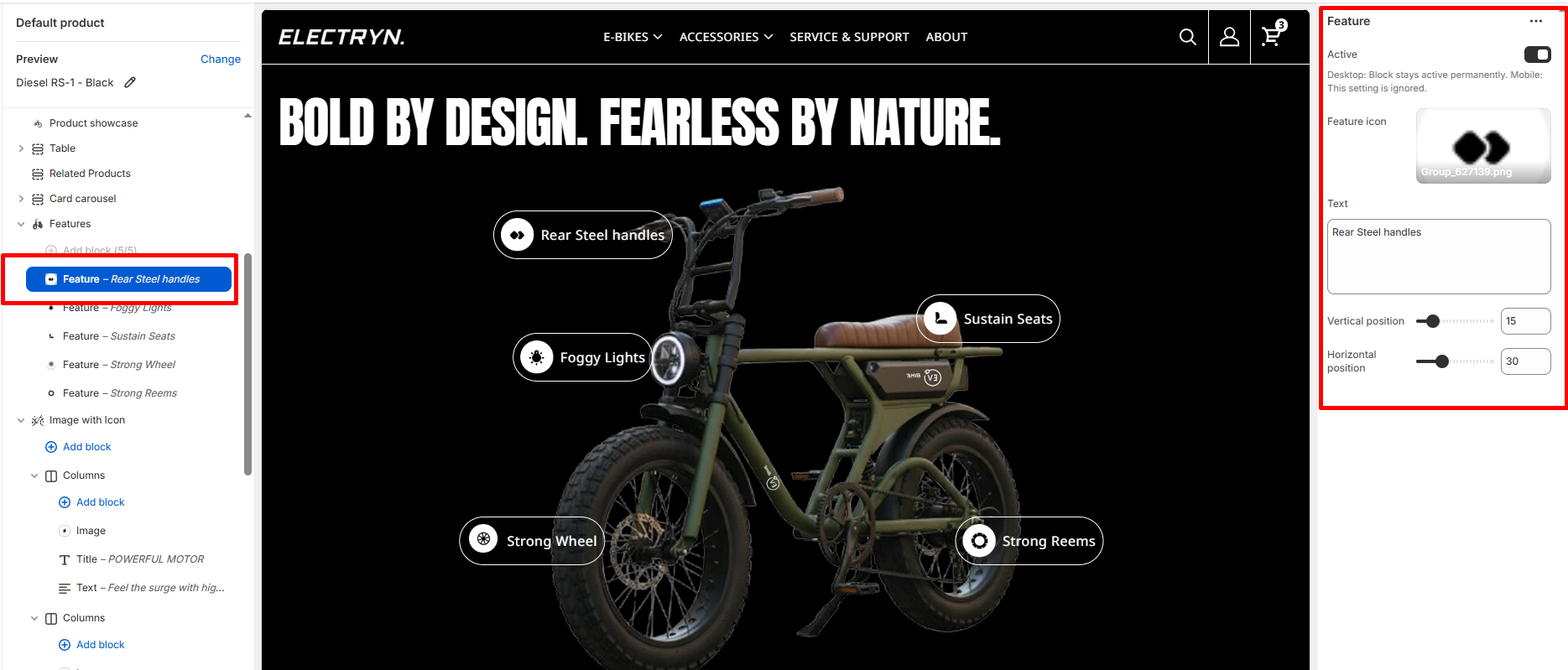
Blocks – Feature
Add feature blocks to create interactive hotspot markers on the image (maximum 5 blocks).
Active
When enabled on desktop, the feature marker stays active permanently. On mobile, this setting is ignored and users must tap markers to view details.
Feature icon
Upload an icon image to display inside the feature marker.
Text
Enter the text description for this feature (e.g., “Rear Steel handles”, “Foggy Lights”).
Vertical position
Set the vertical position of the feature marker on the image (0-100, represents percentage from top).
Horizontal position
Set the horizontal position of the feature marker on the image (0-100, represents percentage from left).