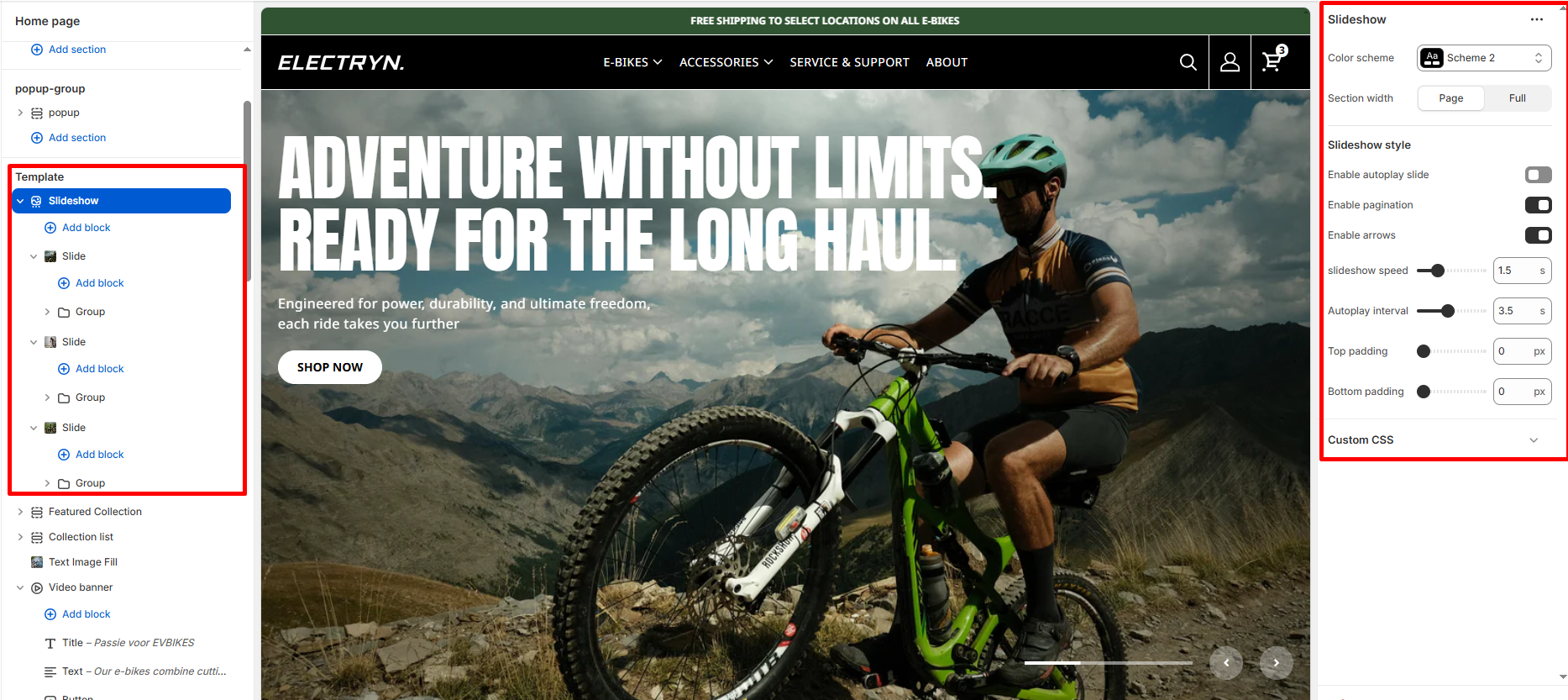
Slideshow
A slideshow is a quick and interactive way to showcase content and information on your site. Slideshows let you display your most popular products/collections or shout out about what’s new with a call-to-action button.
Color scheme
Select a color system for background, text, and button color.
Section width
-
- Page – aligns with the site’s content width.
- Full – stretches across the full viewport width.
Enable autoplay slide
Select/deselect to show/hide the slider autoplay.
Enable arrows
Select/deselect to show/hide the arrow enable.
Enable pagination
Select/deselect to show/hide the pagination enable.
Slideshow speed
Controls how fast each slide transition (animation) occurs, usually measured in milliseconds.
Autoplay interval
Defines the time delay between slides when autoplay is enabled, usually in seconds or milliseconds.
Top padding
Set top spacing in pixels.
Bottom padding
Set bottom spacing in pixels.
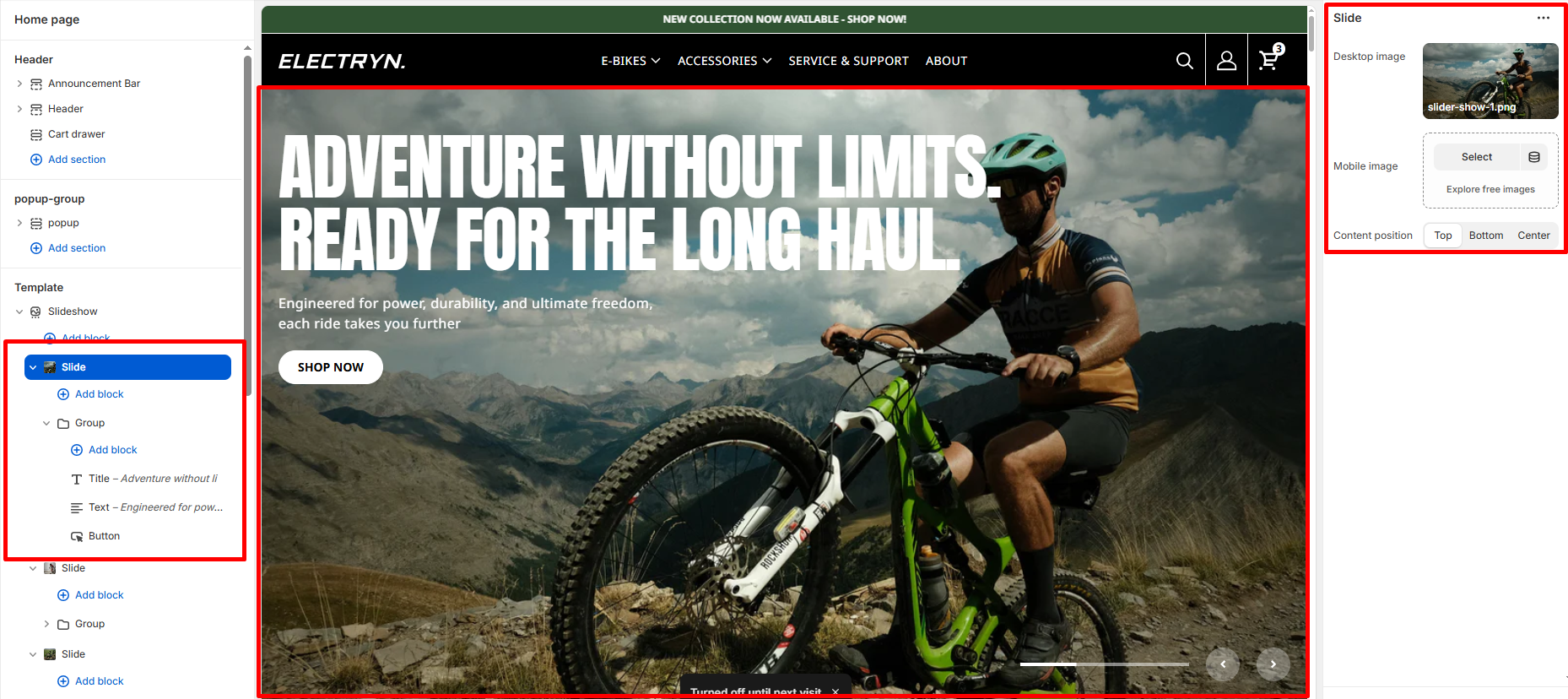
Block – Slide
The Slide block is a core component of the Slideshow section in a Shopify theme. It allows you to showcase various images or content in a dynamic, full-screen slideshow format, ideal for promoting products, collections, or important announcements on the homepage or other sections of the store.
Desktop image
You can upload an image that will be displayed on desktop devices. This is the primary image shown when the slideshow is visible on desktop screens.
Mobile image
You can upload a separate image for mobile devices. This image will be shown to mobile users for better optimization.
Content position
Choose the vertical position of the text relative to the image.
-
- Top: Text appears at the top of the image.
- Bottom: Text appears at the bottom of the image.
- Center: Text appears centered on the image.
Group block (inside slide)
The group block within a slide allows you to organize multiple content elements together.
Theme blocks
-
- Title block – Add headings to your slide
- Text block – Include descriptive text or promotional messages
- Button block – Add call-to-action buttons